Preferences
Update Checker

This section indicates when there's an available update for the addon. By default, it checks for updates on boot every 7 days. You can adjust this frequency to stay up-to-date at all times. Additionally, you can manually check for updates by clicking the refresh button.
Install Modules

Please refer to the Install Modules section.
TrueASSETS Directories

Specify the TrueASSETS directory here (Default directories won't work). This is where all your created assets will be stored. Subdirectories will be automatically created for each type of asset.
The Downloads Directory is where all your downloaded assets from the online asset library will be stored.
Enable Add as library if you want to see the downloaded assets library in the asset browser. This library contains assets in standard form compared to dynamically fetched assets in the online asset library.
Library Names
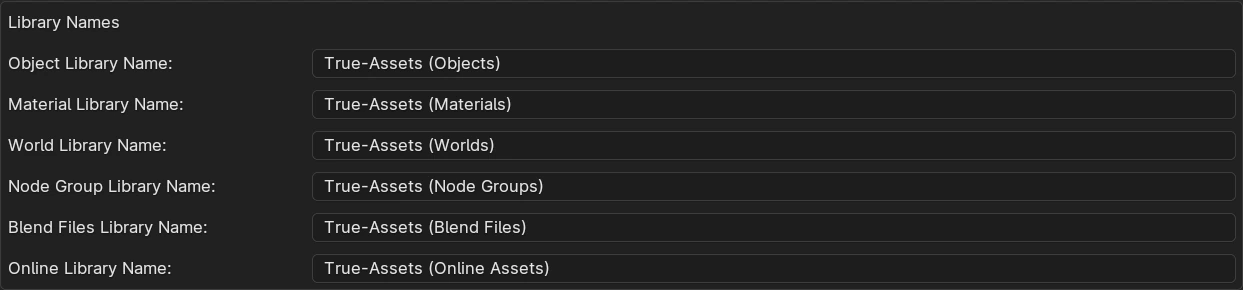
Adjust the names of the TrueASSETS libraries here if you desire.
It's important not to change the online asset library name.

World Strength
Set the world exposure setting for rendering thumbnails.
Auto Clear Search
Enable this option if you want True-Asset to automatically clear the search when switching asset libraries.
Importer to Use
If you have the Better FBX importer installed and prefer to use it for FBX/OBJ assets, select it here.
Default Settings
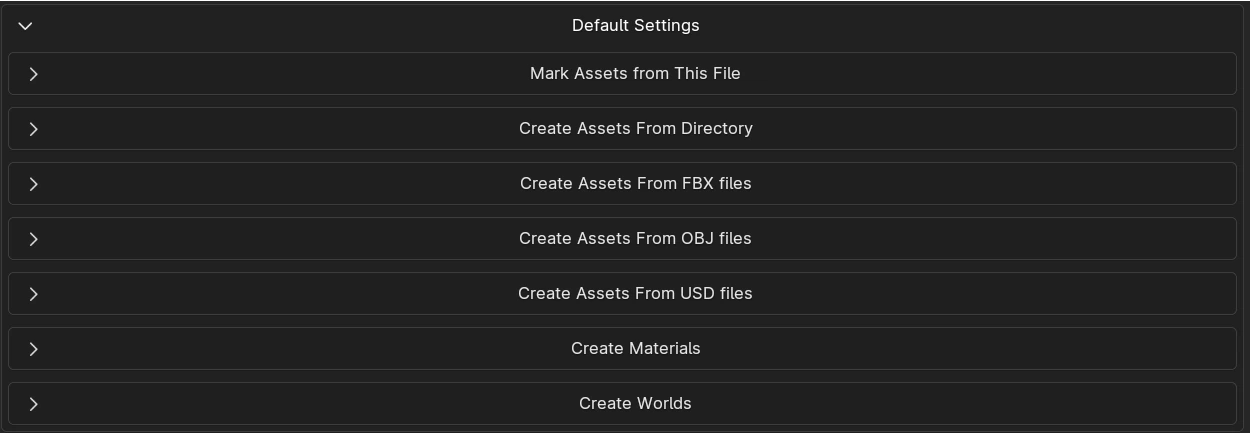
Configure default settings for all the asset creation operators to save time and streamline your workflow.
Experimental
Blender 3.5 Crash Fix: This was implemented to address crashes when rendering solid shading thumbnails in Blender 3.5. However, this fix is no longer necessary since Solid shading has been removed in TrueASSETS v4.5.